
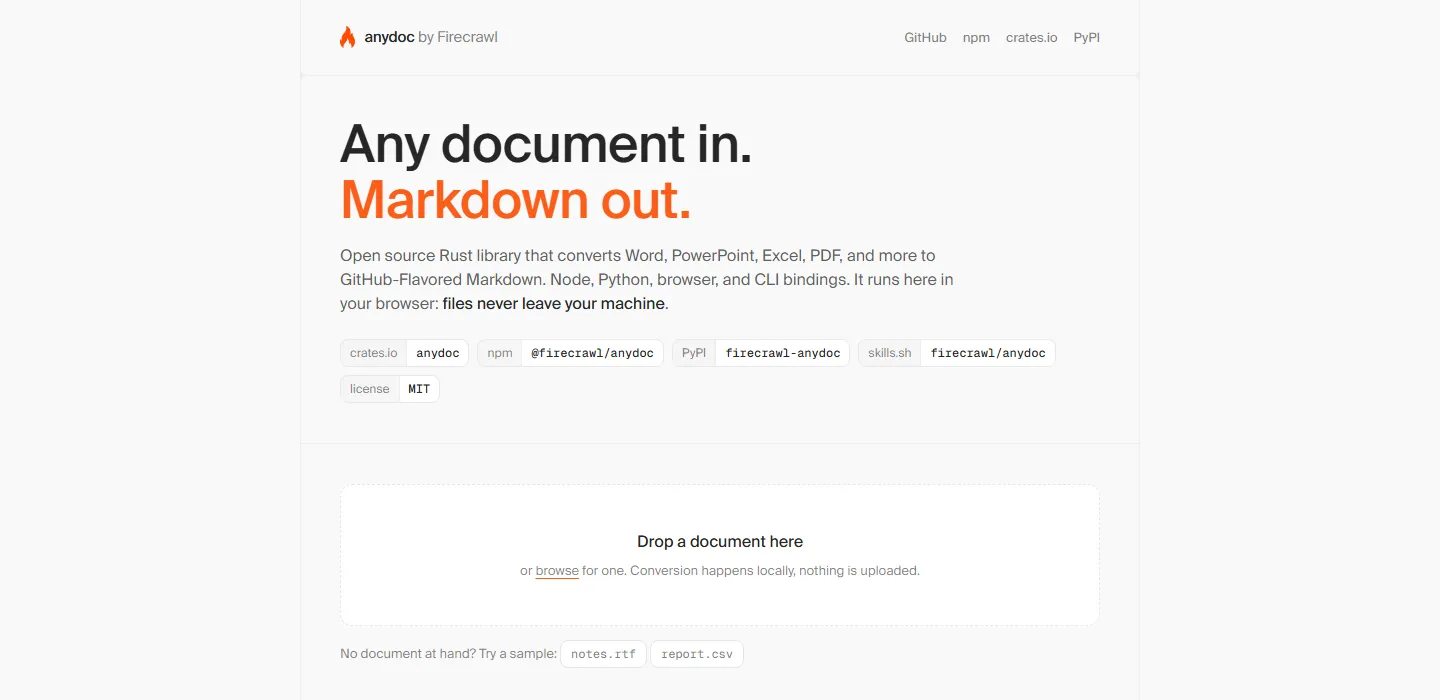
anydoc 的作用是把 Word、PowerPoint、Excel、OpenDocument、RTF、EPUB、CSV、PDF 解析成干净的 GitHub 风格 Markdown,方便喂给大模型或者建知识库。核心用 Rust 写成,另外提供 Node.js、Python、浏览器 WebAssembly 和 Rust 四种调用方式。
转换本身不联网也不花钱,但扫描版 PDF 是例外:anydoc 自己不做 OCR,遇到纯图片页会直接报 NeedsOcr。要转这类文件得显式加 --ocr hosted,把整份文档发给 Firecrawl Parse(不注册也能用,设 FIRECRAWL_API_KEY 只是提高额度)。
下载地址
| 资源 | 说明 |
|---|---|
| GitHub Release | 各平台预编译绑定,Windows 为 anydoc.win32-x64-msvc.node(7.89 MB) |
| npm | @firecrawl/anydoc 0.2.4,要求 Node.js ≥ 20 |
| PyPI | firecrawl-anydoc 0.2.4,要求 Python ≥ 3.10,Windows wheel 3.42 MB |
| crates.io | anydoc 0.2.4,Rust 库版没有 ocr 选项、永不联网 |
| 123 网盘 | https://1626683.share.123pan.cn/123pan/ekeA-2I3g?pwd=8888# 提取码 8888 |
官网:https://firecrawl.github.io/anydoc/ 版本:v0.2.4(2026-08-27) 体积:Windows 绑定 7.89 MB,Python wheel 3.42 MB
功能介绍
一条命令转完
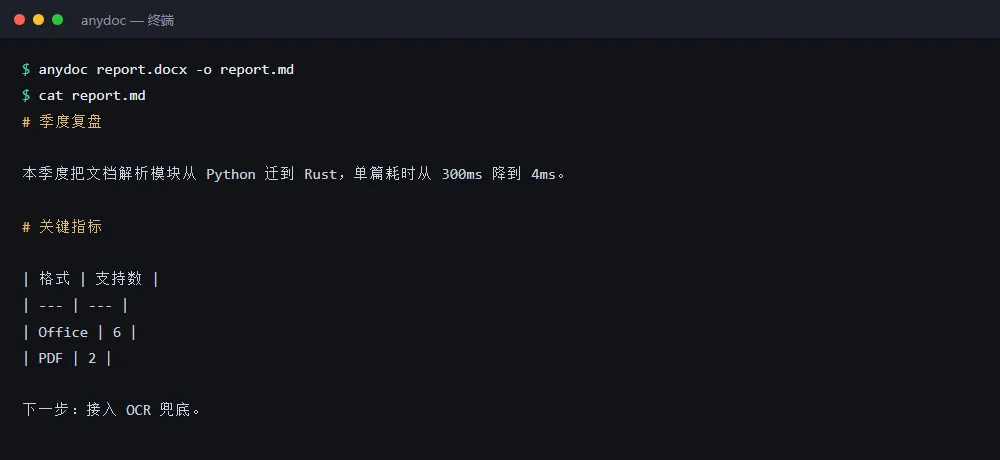
npx @firecrawl/anydoc report.docx -o report.md 就能出 Markdown,首次运行会自动拉对应平台的二进制,npm install -g 之后可以直接用 anydoc 命令。官方在 100 份真实文档上对比了 6 款转换工具,anydoc 是唯一覆盖全部 14 种格式的,单篇中位 4.4 毫秒,同场的 LibreOffice 要 1129.5 毫秒。
浏览器里试用
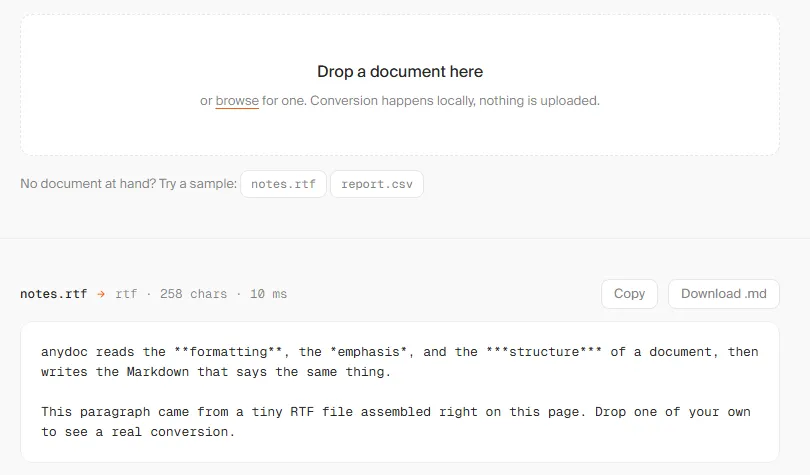
官网演示页把同一个库编译成 WebAssembly,选好文件就在本地转,文件不会上传。想先看效果又不想装环境,开这个页面就行。
npm 上叫 anydoc 的那个包不是它,是个无关的 Node 网页服务(0.1.4),装错就白折腾——认准带前缀的 @firecrawl/anydoc。
软件信息
| 项目 | 内容 |
|---|---|
| 软件名 | anydoc(Firecrawl 出品) |
| 版本 | v0.2.4 |
| 大小 | Windows 绑定 7.89 MB / Python wheel 3.42 MB |
| 许可证 | MIT |
| 平台 | Windows、macOS、Linux(x64 与 arm64,Linux 分 gnu / musl) |
| 官方地址 | https://github.com/firecrawl/anydoc |