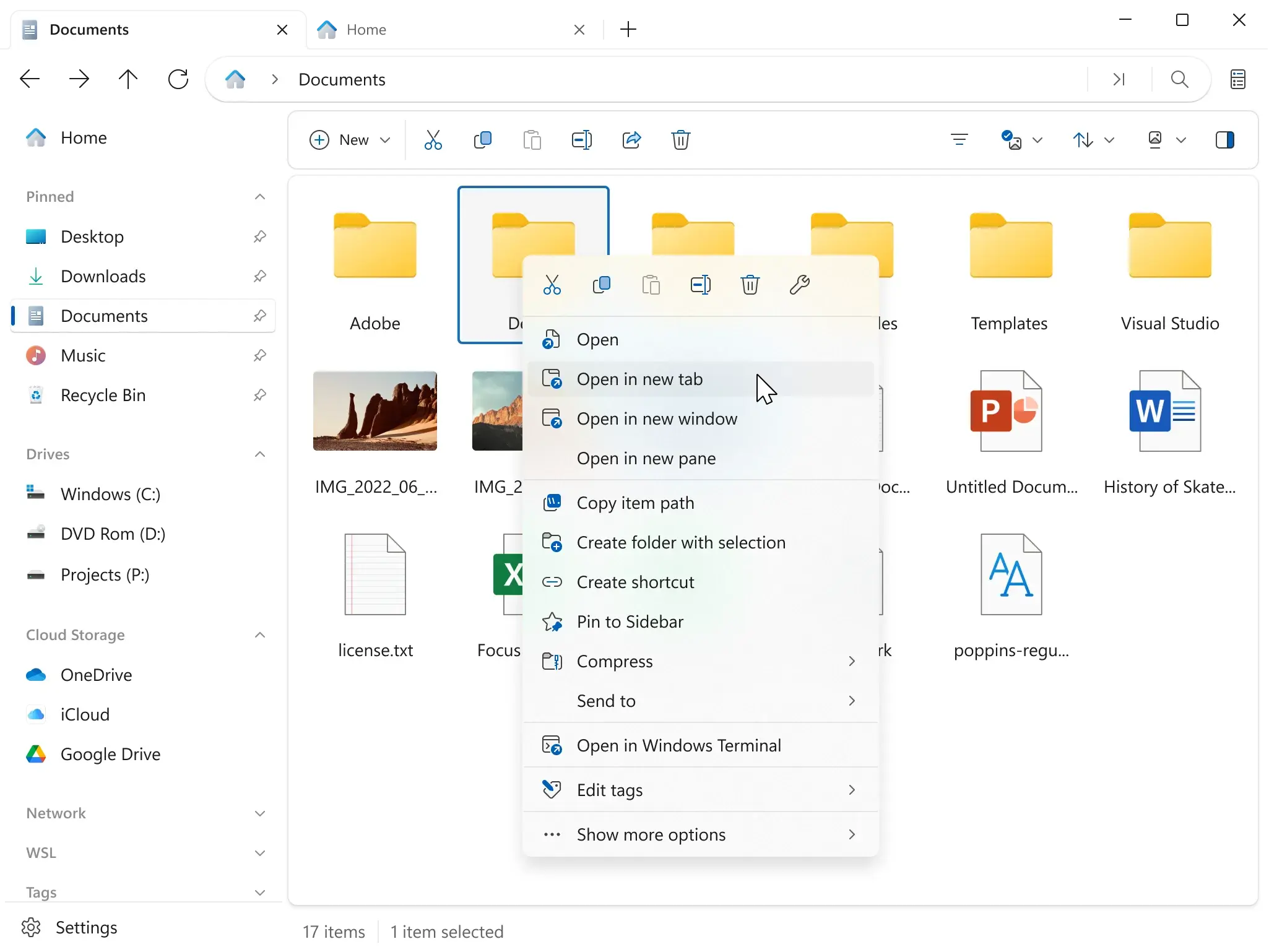

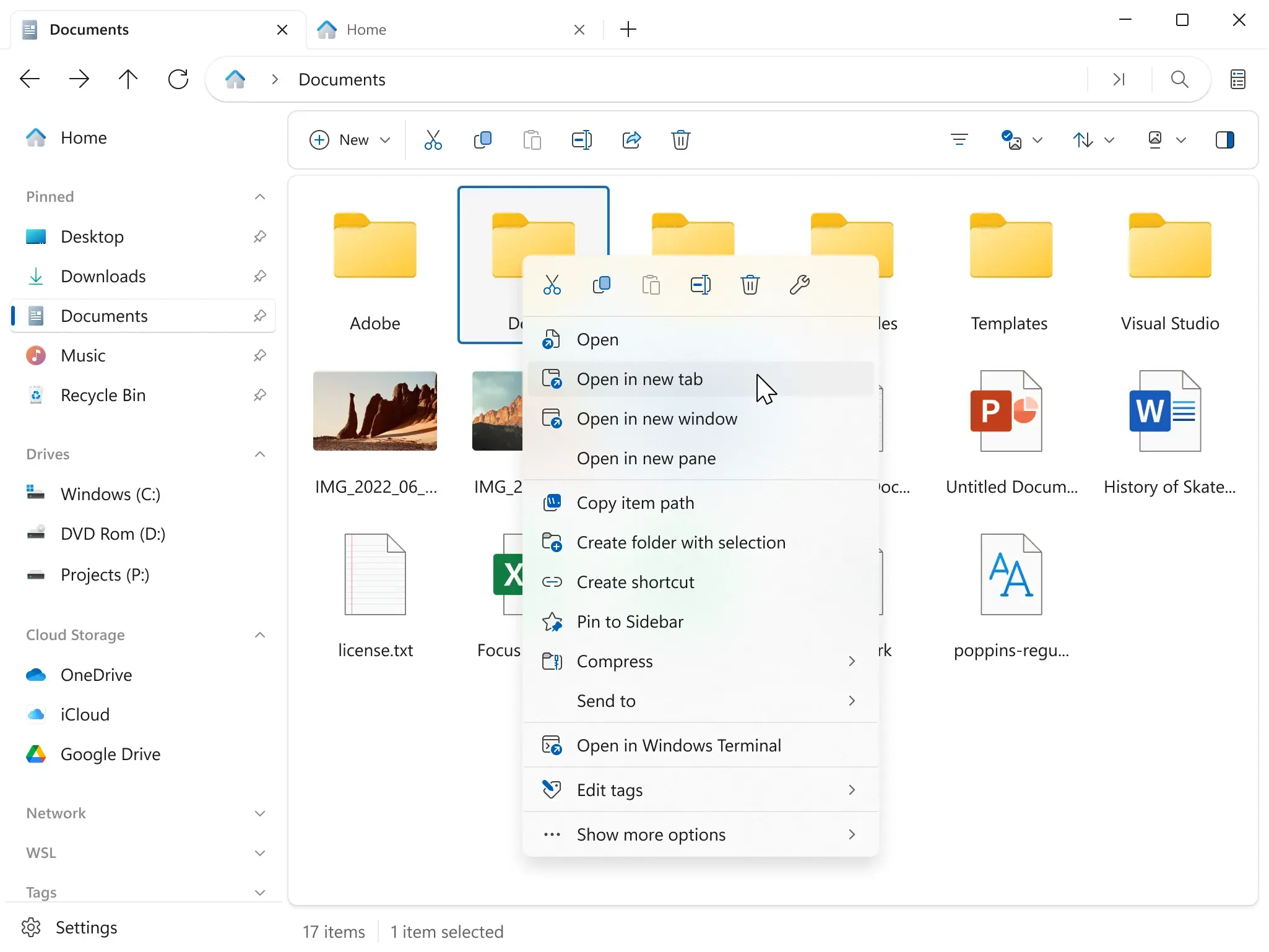
Files 用来把 Windows 自带资源管理器整个换掉,开源且支持多标签页与双栏布局,还能把 OneDrive 等云盘直接挂成本地盘符,日常文件整理和跨盘搬运一步到位。 免费开源(MIT + MPL 双授权),仅支持 Windows 10 1809+ 与 Windows 11,可用 Microsoft Store 安装或 winget install FilesCommunity.Files。
下载地址
| 资源 | 说明 |
|---|---|
| 官方 | https://apps.microsoft.com/detail/9nghp3dx8hdx |
| 官方 | https://files.community/download |
| 源码 | https://github.com/files-community/Files/releases |
- 官网:https://files.community
- 版本:v4.3(4.3.0.0,2026-10-11 发布)
- 体积:商店包约 58 MB,安装后约 75 MB
- 安装前提:Windows 10 1809+ / Windows 11,支持 winget 安装
功能介绍
多标签双栏
标签页与双栏并排是 Files 的核心,左右两个窗格可以指向不同文件夹,对照搬运时不用再开两个窗口。 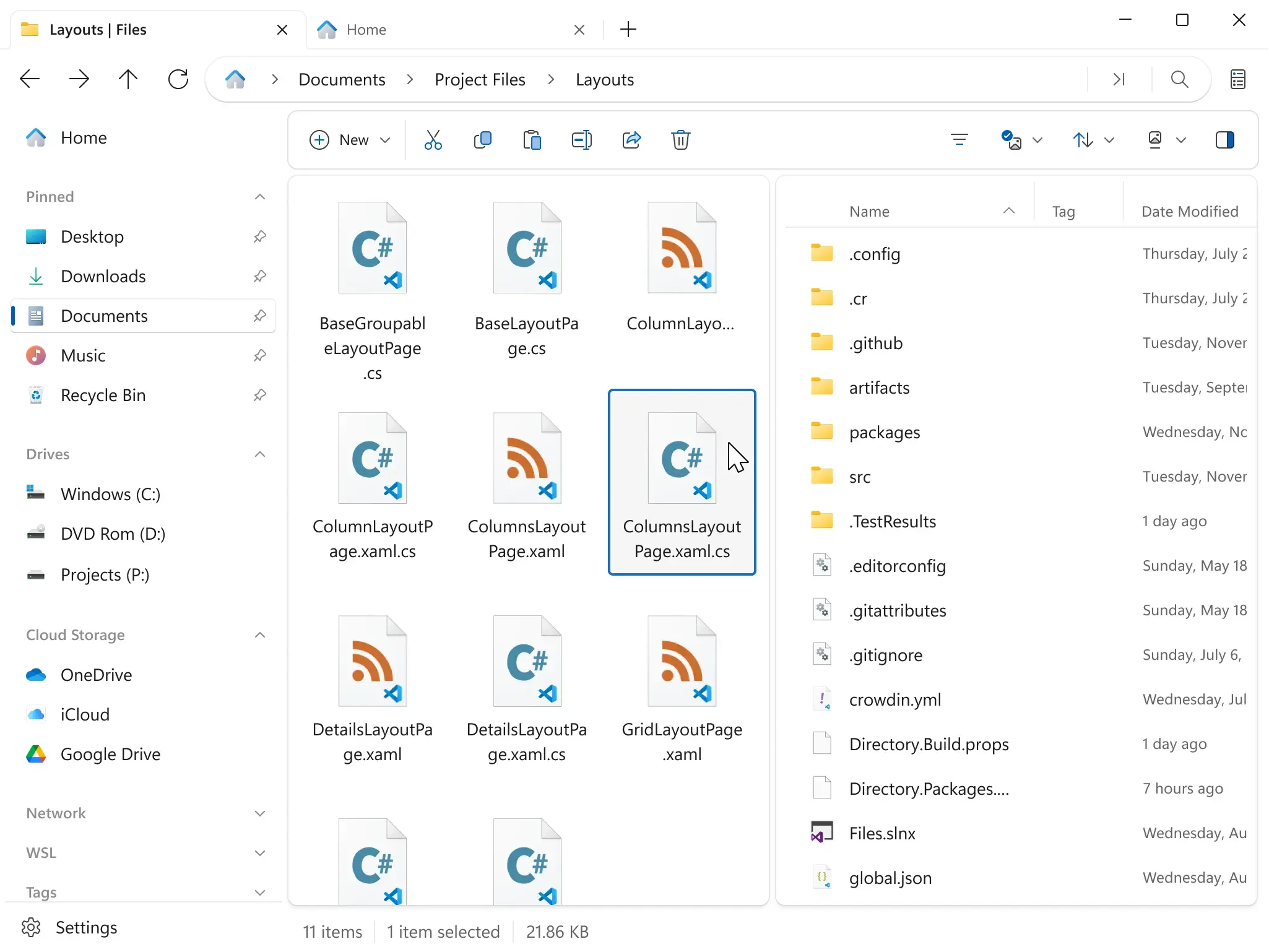
命令面板
命令面板一个输入框就能搜功能和命令,右侧直接标着快捷键,不用再一层层翻菜单。 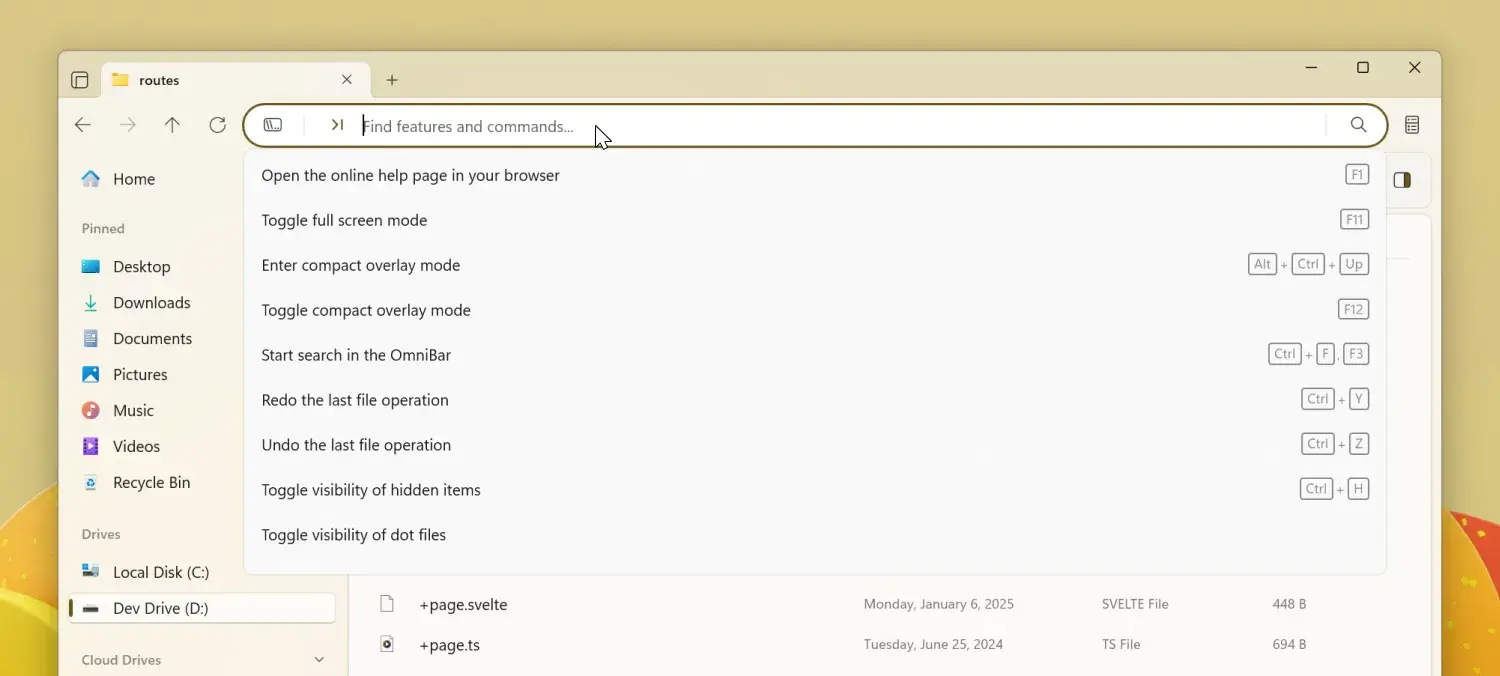
软件信息
| 项目 | 信息 |
|---|---|
| 软件名 | Files(亦称「Files 文件管理器」) |
| 版本 | v4.3(4.3.0.0) |
| 大小 | 商店包约 58 MB,安装后约 75 MB |
| 许可证 | MIT + MPL 双授权 |
| 平台 | Windows 10 1809+ / Windows 11 |
| 官方地址 | https://files.community |